
MFA factor combinations: why two passwords isn't MFA
Multi-factor authentication on the CompTIA Security+ exam means two or more factors drawn from different categories. Two passwords stacked together is single-factor authentication done twice. Password plus a security question is also single-factor twice, because both are "something you know." The exam tests this directly, and objective 4.6 is where CompTIA publishes the factor categories. Here is what counts as a valid MFA combination, which categories SY0-701 lists, and why some MFA setups still failed in production even when they were two factors.
What MFA actually means
Multi-Factor Authentication means the user presents two or more factors from different categories before the system grants access. The key word is "different." Two of the same factor, no matter how strong each one is, does not satisfy MFA. A 32-character password plus a security question is still single-factor, because both items are "something you know." If the attacker steals one, they probably have the other.
It is an easy idea to nod along to and a hard one to apply under time pressure, which is what makes it good question material for objective 4.6 (identity and access management). CompTIA writes scenario questions where three of the four answer choices are "something you know" variants and one is a different category. Categorize before you pick and the answer falls out. Skip the categorization and the trap closes around you.
The four factor categories SY0-701 lists
SY0-701 objective 4.6 publishes four factor categories, not five. Getting the count right matters less than getting the distinction right, so here is the list as CompTIA writes it.
- Something you know. A secret only the user should know. Password, PIN, passphrase, answer to a security question.
- Something you have. A physical item only the user should have. Smartcard, YubiKey, phone with a TOTP app (Time-based One-Time Password), hardware token, FIDO2 security key.
- Something you are. A biometric trait of the user's body. Fingerprint, face scan, iris scan, voice print.
- Somewhere you are. The user's physical or network location. Geofencing, IP-based location restrictions, GPS check.
Here is the distinction worth carrying into the exam room. The first three stand on their own: each one is a separate secret, object, or body trait an attacker has to obtain. The fourth is different in kind. Location is a property of the request, not a credential, and in production it can work as a risk signal inside conditional access rather than as a factor you authenticate with. CompTIA lists it as a factor, so learn it as one, and understand why it behaves differently.
Older certification material and a lot of the wider literature separate these two ideas by calling the first three factors and calling the rest attributes: somewhere you are, something you can do (keystroke dynamics, mouse movement, gait), something you exhibit, someone you know. Attributes are not in the SY0-701 factor list. If you have studied from a SY0-601 era book, that is where the "five categories" habit comes from, and "something you do" is the item most often smuggled in as a fifth factor. Know it as an attribute and know what it does, which is continuous authentication and risk scoring rather than granting access on its own.
For more on the foundational pieces (CIA triad, AAA, and where these factors sit inside Authentication), the fundamental security concepts lesson (SP-1.2) covers the framework. The factor categories live there in their simplest form.
Common combinations and what they protect against
Not every valid MFA pairing protects against every attack. The combination decides which attacks fail and which still get through.
- Password plus TOTP code. Defeats basic credential stuffing and password spraying. Attacker buys a leaked password and cannot complete sign-in without the rotating 6-digit code. Still vulnerable to real-time phishing, where the attacker proxies a fake sign-in page and replays the code immediately.
- Password plus push notification. Defeats most phishing because the user has to physically approve on a trusted device. Still vulnerable to MFA fatigue (spam the approvals until the user taps yes) and to session-token theft after sign-in.
- Password plus hardware security key (FIDO2). Defeats phishing entirely. The key signs a challenge bound to the real site's origin, so a fake page cannot trigger a valid response. This is the strong baseline regulators are converging on.
FIDO2 and WebAuthn: the gold standard
FIDO2 with WebAuthn is phishing-resistant by design. Three properties make it work. The key uses public-key cryptography, so no shared secret travels between the user and the server. The browser binds the challenge to the actual site origin, so a phishing site at a lookalike domain cannot get a valid signature even if the user is fooled. User presence is required, usually a touch or biometric, so a remote attacker cannot trigger the key silently.
Real implementations are widely available now. YubiKey hardware keys plug into USB or tap NFC. Apple Passkeys and Google Passkeys use the device's secure enclave to act as the key. Windows Hello uses the TPM as the key. The user experience is faster than typing a password, and the security properties are stronger than any code-based factor.
Real MFA failures and what they teach
Three high-profile incidents show how MFA fails when the wrong factor is chosen. Scenario questions can be built on this shape, so read them as case studies rather than trivia.
- The 2022 Uber breach. Uber's own write-up says the attacker likely bought an external contractor's corporate password on the dark web after malware on the contractor's personal device exposed it. No phishing was needed for the password itself. The attacker then repeatedly tried to sign in, each attempt sending a two-factor approval request to the contractor's phone, until the contractor accepted one. Classic MFA fatigue. Push notifications without number matching (where the user has to type a number shown on the sign-in screen into the app) cannot defend against this. The fix is number matching, push throttling, or moving to a phishing-resistant factor.
- The 2023 Reddit phishing breach. Reddit's disclosure says the attacker sent employees prompts pointing to "a website that cloned the behavior of our intranet gateway, in an attempt to steal credentials and second-factor tokens," and that one employee's credentials were obtained. Reddit did not publish which second-factor type was in use or how the token was relayed, so treat the mechanism as undisclosed. The lesson still holds: a code or token the user can be talked into typing is a code an attacker can collect on a convincing copy of your login page. FIDO2 is the factor that removes that option, because the signature is bound to the site origin and a lookalike domain cannot get a valid one.
- SIM swap attacks against SMS-based MFA. Numerous high-profile cases (executives, crypto holders, journalists) where an attacker social-engineered a carrier into porting the victim's phone number to a SIM the attacker controls. Every SMS code, including the MFA code, now lands on the attacker's phone. Be precise about NIST's position here, because it is often overstated: SP 800-63B has labeled out-of-band verification over the public telephone network RESTRICTED since the 2017 edition, and the current revision, SP 800-63B-4 from July 2025, keeps it restricted rather than deprecated. Restricted means you may still use it, with conditions: offer subscribers another authenticator, weigh risk signals like a recent SIM change or number port, and tell them about the limitations. Better than no MFA, and still the weakest factor on the list.
How Security+ tests this
Domain 4.6 (Identity and Access Management) carries the heaviest weight on factor questions, but you will see them surface in Domain 1.2 (fundamental concepts) and Domain 4.5 (enterprise security capabilities) too. The exam loves three patterns.
- The "same category trap" pattern. Two items that look different but are both "something you know" (password and PIN, password and security question). Wrong answer if the question asks for valid MFA.
- The "defeats which attack" pattern. The scenario names a specific attack (credential stuffing, phishing, SIM swap, MFA fatigue) and asks which combination would have stopped it. The answer pivots on whether the factor is phishing-resistant.
- The PBQ pattern. A drag-target or hotspot interaction where you assign factor categories to the right examples. Know the four categories and a couple of examples in each and you can work these without guessing.
For the deep dive on factor implementations, password policy, and the protocols that bind them together (SAML, OIDC, OAuth, LDAP), work the IAM lesson (SP-4.6). When you are ready to sit a full-length under time pressure, run a Practice Exam. Factor questions turn up often in the RTJ Domain 4 pool.
Where to go next
If you are tracking toward Security+, the Security+ track page has the full objective map and what each domain covers. If you are already in the platform, head to the dashboard and review Domain 4 in the Mastery Index with its evidence-quality label. Factor combinations land in Domain 4.6 and they can be the fastest objective to lock in.
Questions about your specific path? Email the team. We reply personally, usually within a day.
Sources
- NIST. NIST SP 800-63B-4 Digital Identity Guidelines (Authentication and Authenticator Management). Published July 2025, superseding the March 2020 revision. Source for authenticator assurance levels, the RESTRICTED status of out-of-band verification over the public telephone network, and the current password and passwordless guidance.
- FIDO Alliance. FIDO Alliance: FIDO2 and WebAuthn specifications. Origin-bound public-key cryptography, user-presence requirements, and the standards behind passkeys and hardware security keys.
- CISA. CISA: More Than a Password (MFA guidance). Federal cybersecurity agency guidance on phishing-resistant MFA, the weakness of SMS-based codes, and the case for hardware-backed factors.
- Uber. Uber Newsroom: Security update (September 2022). Uber's own account of the 2022 incident, including the dark-web password purchase, the malware-infected personal device, and the repeated two-factor approval requests.
- Reddit. We had a security incident. Here's what we know. (February 2023). Reddit's disclosure of the cloned intranet gateway and the attempt to steal credentials and second-factor tokens. It is the limit of what has been published about the mechanism.
About the authors
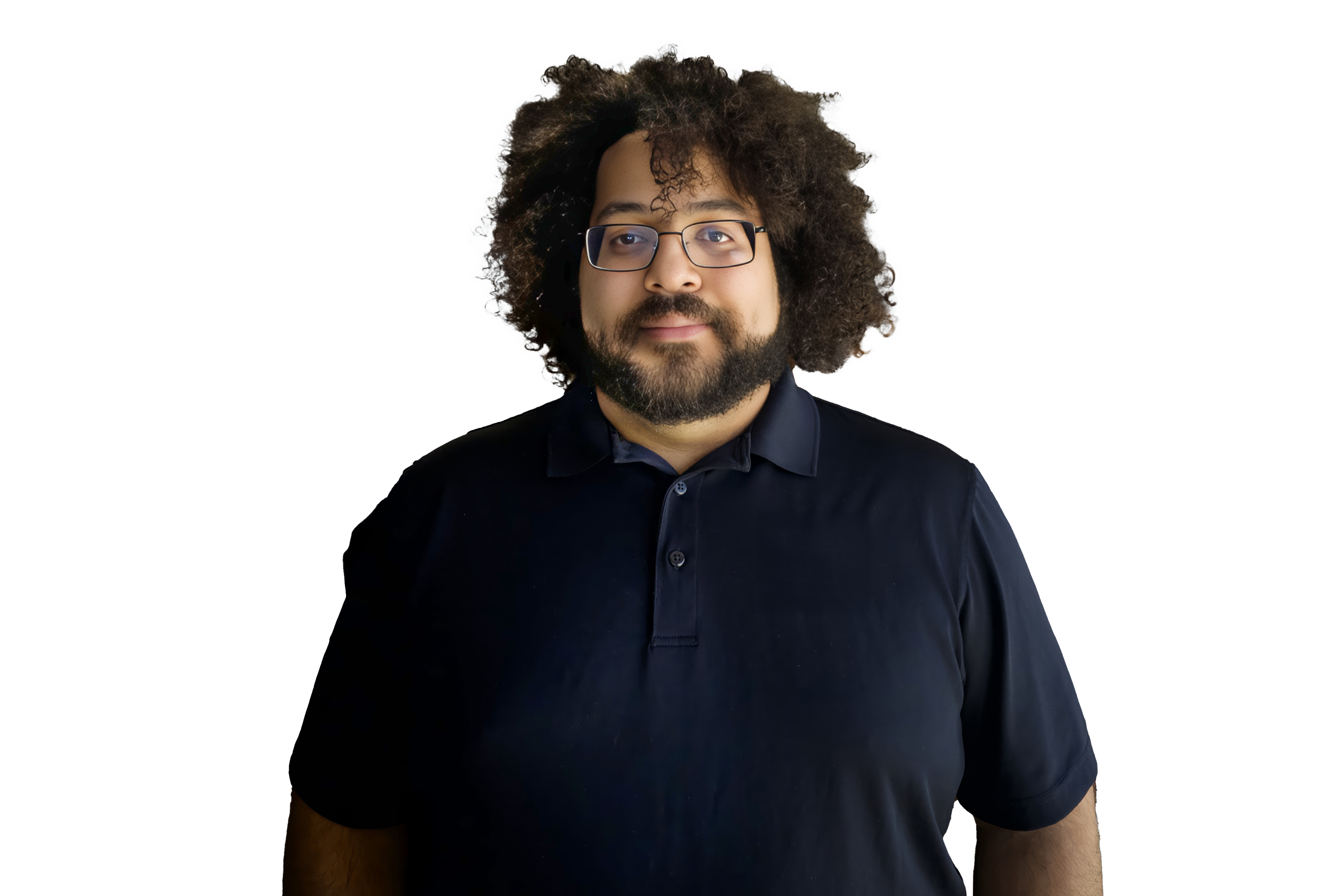
IT Service Center Manager and former CTE / IT teacher. Owner of Revtek in Chicago's south suburbs. Writes everything that ships under his name and reviews every line of Revy-assisted drafting before publish.
LinkedIn ↗Revy helps draft and structure these posts. Every piece is reviewed, edited, and fact-checked by Nick before publish. We disclose this here because it is the right thing to do. See the AI Policy for the full stance.
Who writes this, and who checks it
Nick writes and edits these posts. AI helps with research, outlines, and first drafts. Nick reviews the draft before it goes live, and he is the only reviewer, so this is one person checking his own work. That catches a lot and it misses some.
When a post turns out to be wrong, the fix and the date it happened go on the corrections log, in public, including the ones nobody outside noticed. We do not use confidential, recalled, or leaked exam content. These posts are written from CompTIA's published objectives and authoritative technical sources. The AI policy has the longer version.
LinkedIn ↗