
Test the cable that looks fine
When a workstation is offline and the cable looks fine, you work the physical layer in order: check the link lights at both ends, run a cable test to read every pair (an open shows as a broken conductor with a fault distance), and read the switch port to rule it out. Then escalate the measured cable fault instead of reconfiguring a healthy port. This lab uses the simulated tester; a real wire-map/TDR tester works the same way.
Steps
- 1
Check the link lights at both ends. Dark NIC and wall-jack indicators plus Media disconnected say the problem is Layer 1.
- 2
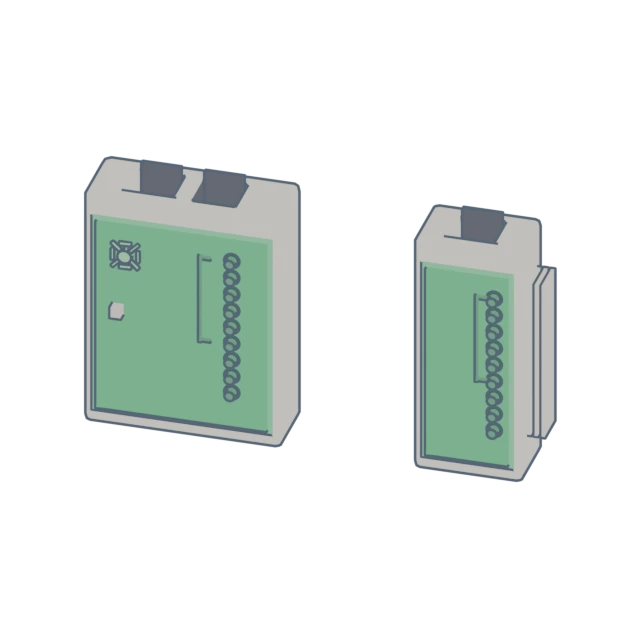
Run the cable test on the jack. Read the per-pair result and the fault distance; pair 4-5 is OPEN at 27.0 m.
- 3
Read the switch port: admin up, clean counters, line protocol notconnect. The switch is healthy, so escalate the measured cable fault.
What you should see
The link check reveals dark indicators, the cable test flags pair 4-5 open at 27.0 m, and the switch port reads clean, so you escalate the cable break rather than changing the port.