
Windows Update stuck at 0: reset the update components
When Windows Update stays at 0 percent, reset its components in a safe order: stop Windows Update, BITS, and Cryptographic Services, rename the SoftwareDistribution cache so Windows rebuilds it, then start all three services again and confirm the download resumes. This page teaches a job procedure. These are not exam questions, nothing here comes from any exam, this is not PBQ practice, and this is not a score predictor.
Steps
- 1
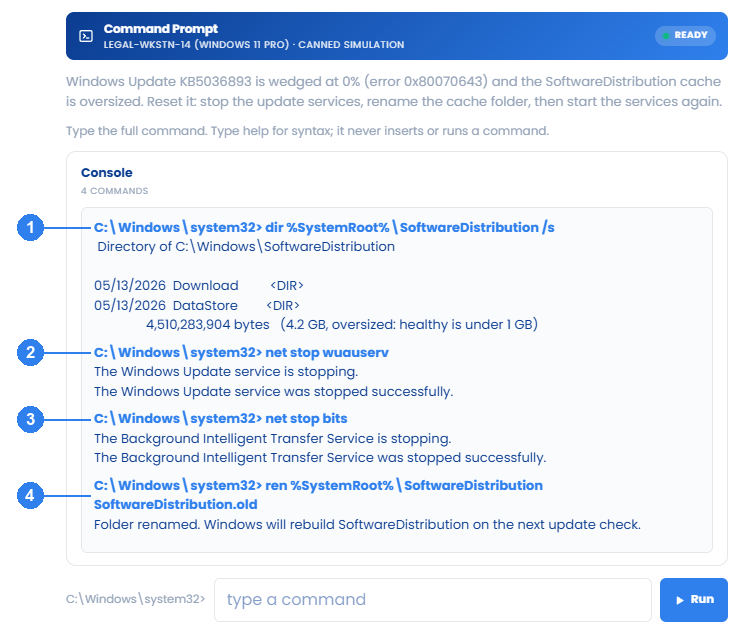
From an elevated command prompt, run net stop wuauserv, net stop bits, and net stop cryptsvc so the services release the update cache.
- 2
Rename the download cache with ren %SystemRoot%\SoftwareDistribution SoftwareDistribution.bak so Windows builds a clean SoftwareDistribution folder.
- 3
Run net start wuauserv, net start bits, and net start cryptsvc, then confirm Windows Update resumes and begins downloading.
What you should see
The stop and start commands report successful service transitions. The rename command returns to the prompt with no output. A separate Windows Update check confirms whether the pending update resumes.